
You need a cloud transformation strategy that helps you stay ahead of the curve, redefining what’s possible for your organization.
In the e-book, Migrate and modernize your estate, you’ll discover how Azure helps you streamline migration and modernization to grow your business faster than traditional on-premises solutions.
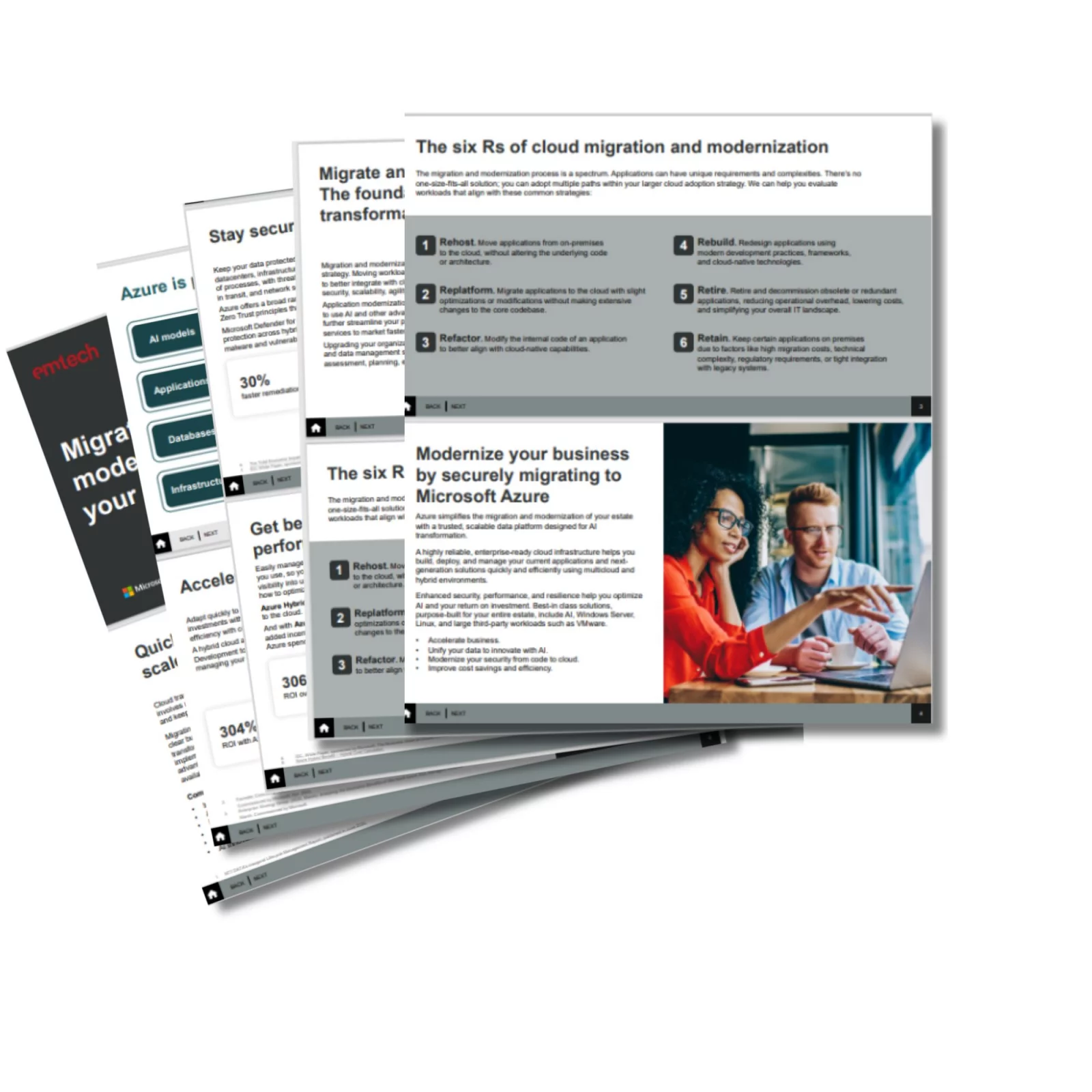
Here is my information.
Learn the value of cloud transformation and how Azure accelerates time to market, cost-savings, and security
In short
Migrating to Microsoft Azure means moving servers, databases and applications from your own hardware or another cloud into Azure, usually in planned waves after an assessment of dependencies, sizing and cost. Each workload is rehosted, replatformed or rebuilt depending on its value and age. emtech plans and runs Azure migrations for UAE organisations, commonly into the UAE North region.
For a typical mid-sized UAE organisation with 20 to 100 servers, three to six months from assessment to final cut-over is common, with individual waves taking a few weeks each. Application testing and change freezes usually decide the timeline more than the technical work.
Yes. Azure Migrate's discovery, assessment and server migration tools are provided at no additional charge, though you pay for the Azure resources the migrated workloads use. Some advanced dependency analysis or third-party tools integrated with it may have their own costs.
Not entirely, but downtime can usually be reduced to a short planned window per application. Servers are replicated in advance while they keep running, and the final cut-over involves a brief stop, a last sync and redirection of users.
It is a licensing benefit that lets you use eligible Windows Server and SQL Server licences with active Software Assurance or qualifying subscriptions in Azure, so you pay only the base compute rate. It can make a large difference to the business case for Windows and SQL workloads.
Most do not, if they are rehosted on virtual machines. Changes are needed when moving to managed services such as Azure SQL Database or App Service, or when an application relies on hardware such as dongles, fax boards or local serial devices.
Sometimes, but not automatically. Savings come from right-sizing, shutting down non-production systems out of hours, licence benefits and avoiding hardware refreshes. Servers moved as-is and left running at full size around the clock often cost more than they did on-premises.
Yes. Azure Migrate supports moving servers from AWS and Google Cloud as well as from on-premises, and databases can be moved with Azure Database Migration Service. Plan for data transfer charges from the source cloud and differences in networking and identity.
 4.5180 Google reviews
