
Microsoft Copilot in the UAE is already available to businesses on eligible Microsoft 365 licences. It works inside Word, Excel, Teams, Outlook, and PowerPoint to summarise, draft, and analyse — using your organisation's own data. The practical challenge is not access, it is readiness: messy SharePoint permissions, unstructured data, and insufficient governance mean many UAE businesses turn Copilot on and then wonder why it is not doing what the demo showed. This guide covers what it actually does, what you need to prepare, and what it costs.
Most of the UAE businesses that have tried Microsoft Copilot fall into one of two groups. The first group turned it on, tested it briefly, and concluded it was not that impressive. The second group spent four to six weeks on data hygiene, governance, and targeted prompt training before rolling it out — and they are the ones reporting measurable productivity gains.
The difference is almost never the technology. It is the preparation. This guide covers what Microsoft Copilot actually does in a real UAE business context, what your Microsoft 365 environment needs to look like before you deploy it, and how to avoid the most common rollout failures.
What Microsoft Copilot actually does — in plain terms
Copilot is an AI assistant built into Microsoft 365. It connects to your organisation's files, emails, Teams messages, and calendar, then uses that context to help individual users work faster. It is not a search engine, a chatbot pointed at the internet, or a generic AI tool. It is specifically designed to work with the content your organisation already has.
The practical outputs look like this: summarising a long Teams meeting you missed, drafting an email using context from a related SharePoint document, generating a first draft of a proposal based on previous similar projects, and pulling together key figures from multiple Excel files into a coherent analysis. Each of these saves meaningful time when the underlying data is clean and well-organised. When it is not, Copilot either produces unreliable outputs or declines to answer.
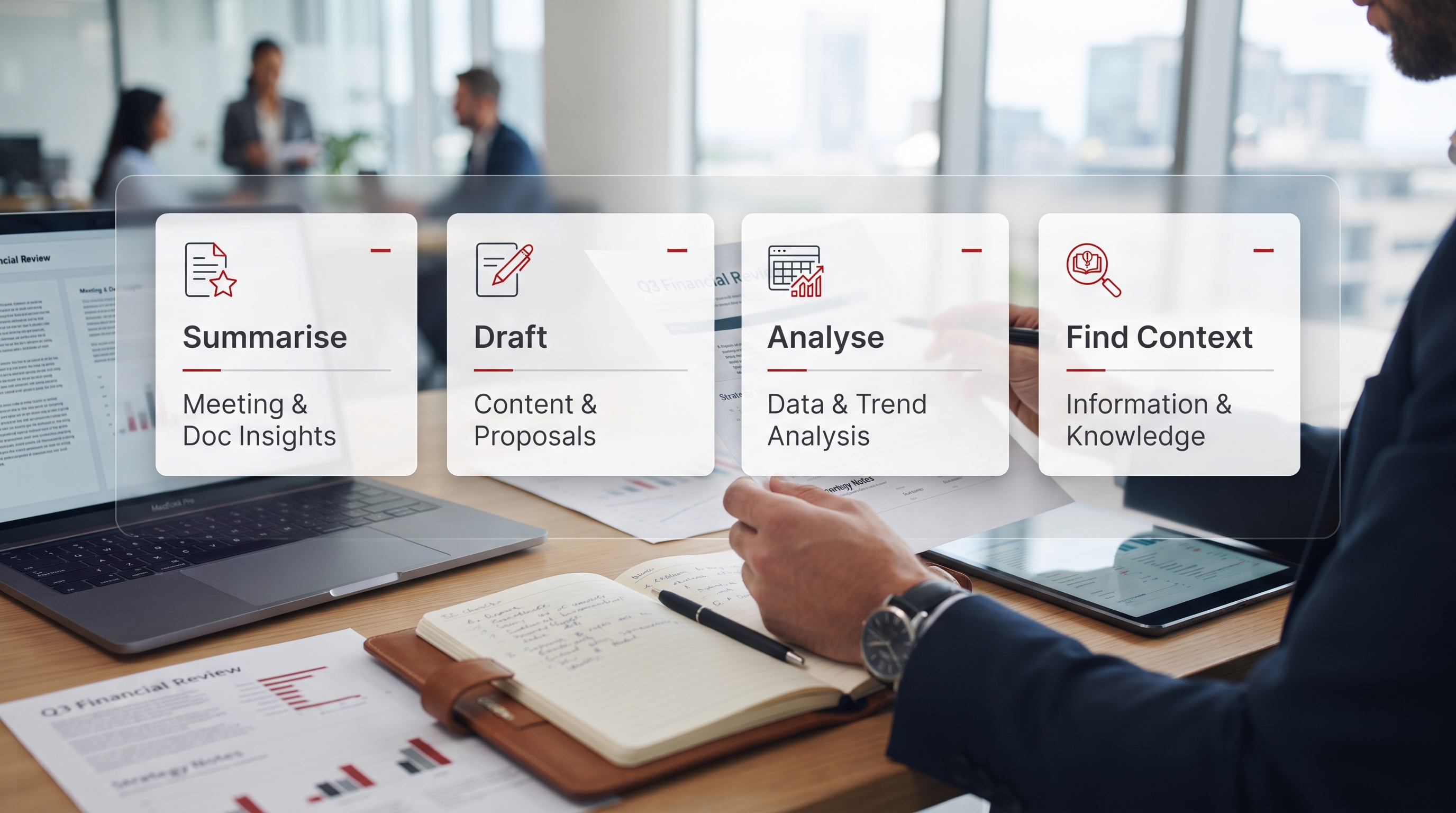
Copilot makes good data more useful. It makes bad data dangerous. That is why readiness matters more than the licence.
What Copilot does in each Microsoft 365 app
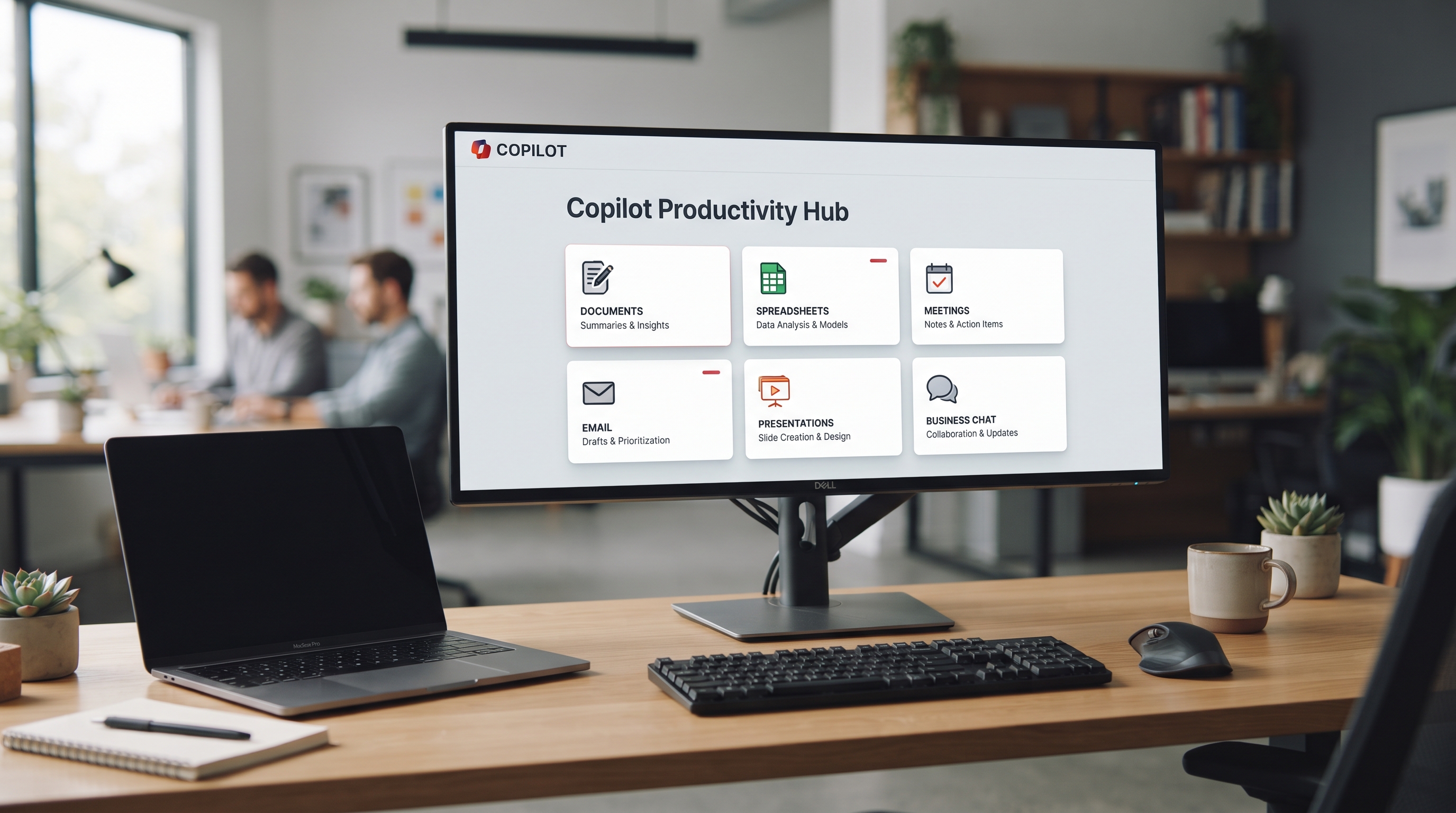
Arabic language support in Microsoft Copilot
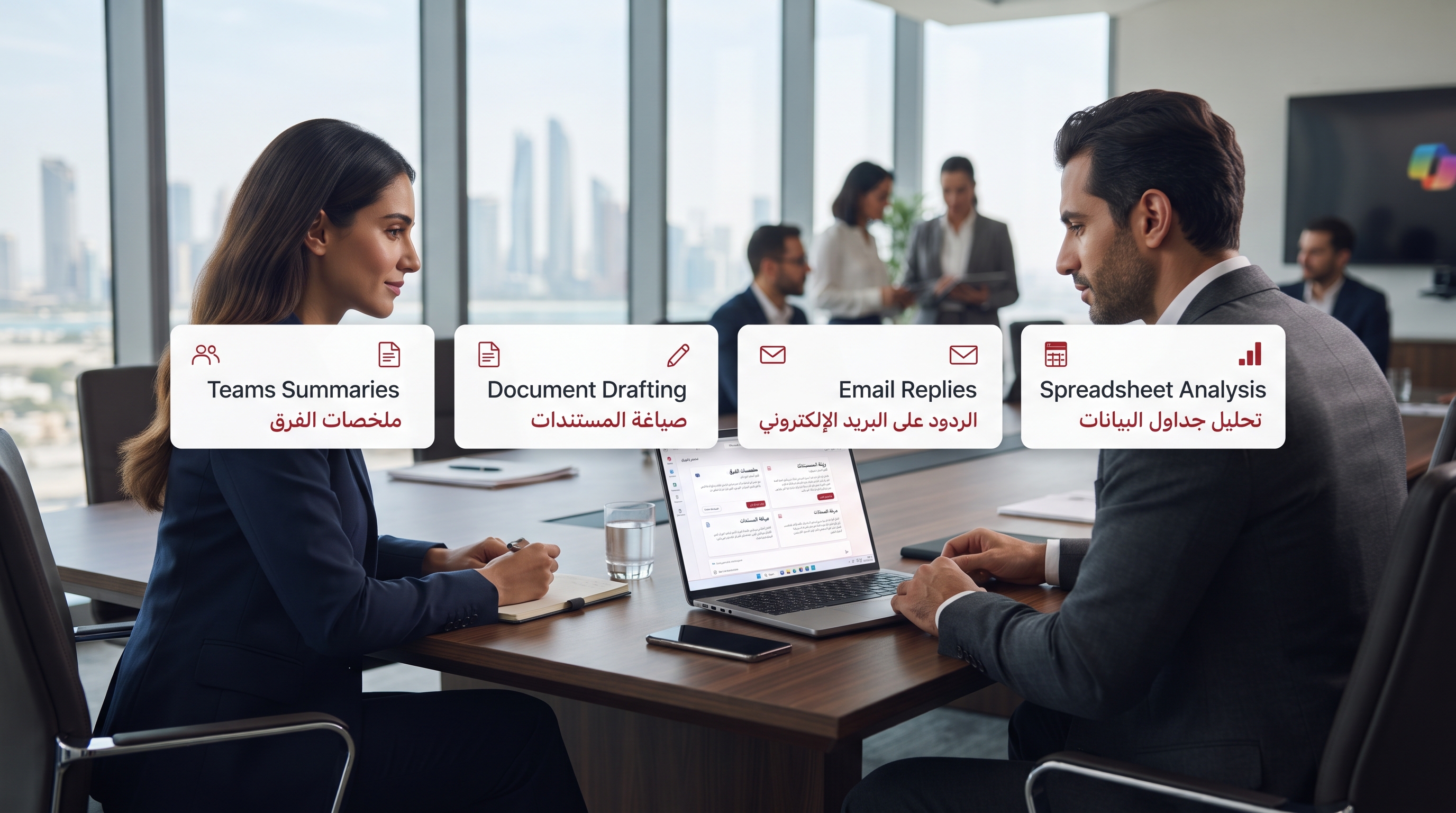
Microsoft Copilot supports Arabic input and output across Microsoft 365 applications. In practice, performance varies by app and task:
- Teams meeting summaries in Arabic — works well when the meeting transcript quality is clear. Accented or colloquial Arabic reduces accuracy.
- Word drafting in Arabic — solid for formal Arabic. Gulf dialect prompts may need to be phrased in Modern Standard Arabic for best results.
- Outlook email drafting in Arabic — reliable for formal business correspondence.
- Excel analysis in Arabic — works for data questions, but formula suggestions default to English function names.
The practical recommendation for UAE businesses: test Copilot on your actual Arabic-language tasks before rolling out. Do not rely on marketing material showing English-language demos.
Microsoft Copilot licensing in the UAE
| Copilot type | What it does | UAE cost guide |
|---|---|---|
| Microsoft 365 Copilot Chat Free tier | Web-grounded AI chat, available to all Microsoft 365 users. Does not access your organisation's internal files. | Included in Microsoft 365 |
| Microsoft 365 Copilot Full paid licence | Full Copilot in Word, Excel, Teams, Outlook, PowerPoint. Accesses your organisation's SharePoint, emails, and files. | ~USD 30 per user/month add-on |
| Microsoft Fabric Data and analytics | Copilot for Power BI and data analytics. Builds reports from natural language queries across business data. | Separate Fabric capacity licensing |
Eligible base licences for the full Microsoft 365 Copilot add-on: Microsoft 365 Business Basic, Business Standard, Business Premium, E3, or E5. Talk to a Microsoft partner in the UAE for current pricing — Microsoft regularly updates licensing structures.
What your environment needs before Copilot goes live
This is the section most vendors skip, and it is the most important. Copilot works by searching across your Microsoft 365 environment. If your SharePoint permissions are poorly configured, employees will see document summaries from files they were never meant to access. If your data is unstructured and scattered, Copilot will struggle to find what users need.
- SharePoint permissions audit — Confirm that files are only accessible to the users who should see them. Copilot inherits existing permissions. Over-permissioned environments create data exposure risk the moment Copilot is turned on.
- Data labelling and sensitivity — Apply Microsoft Purview sensitivity labels to confidential content. This tells Copilot what it can and cannot reference when answering questions.
- Teams meeting transcription — Copilot's meeting summary features require transcription to be enabled in Teams. Confirm your organisation's policy before enabling this for all users.
- Define Copilot owners per department — Identify one person in each key department responsible for prompt guidance, accuracy review, and flagging issues in the first 60 days.

How UAE businesses are rolling out Copilot successfully
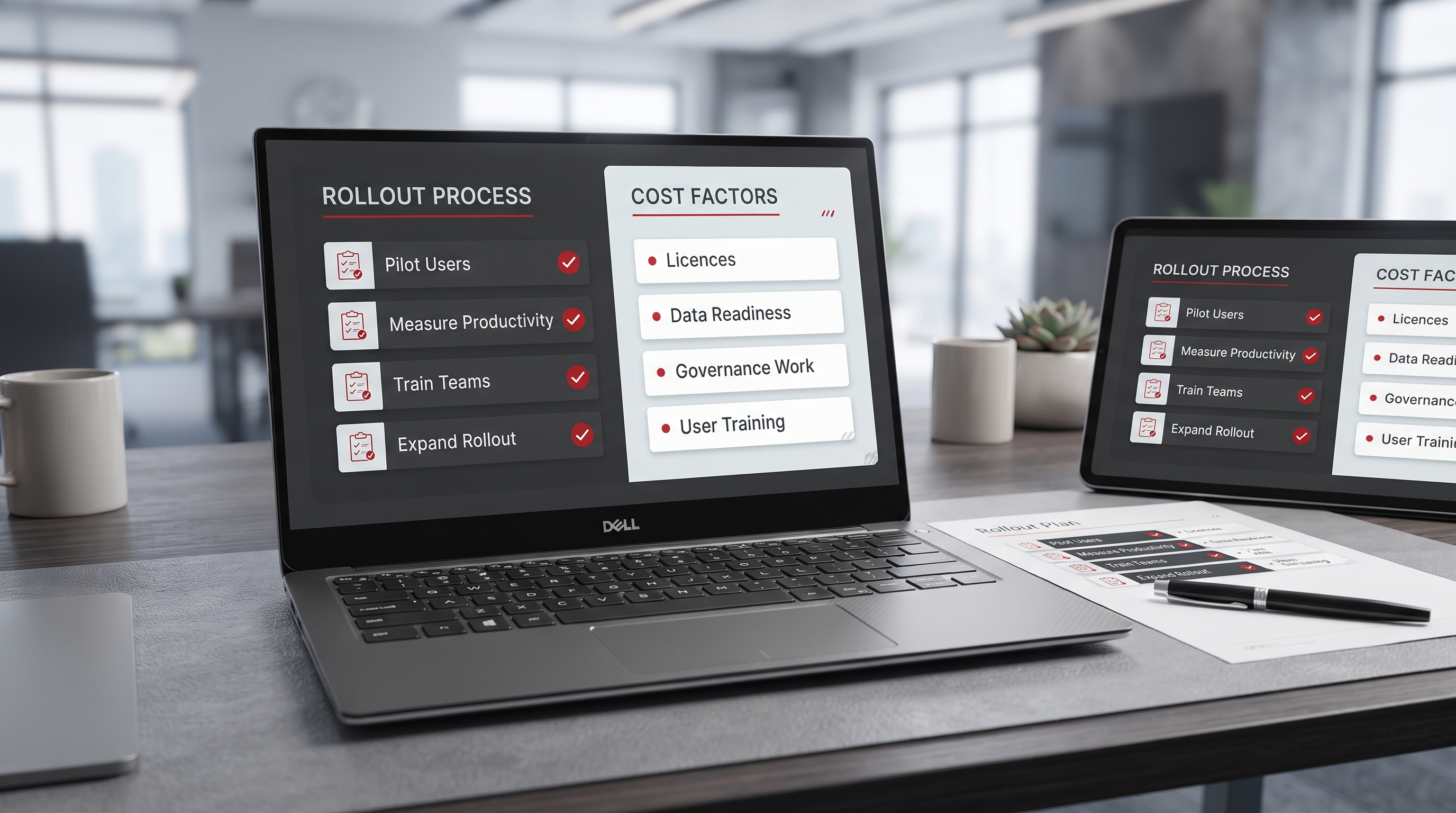
The pattern that works in UAE enterprise deployments is phased, not all-at-once. Start with a pilot group of 20 to 50 users in a single department with well-organised data. Measure specific productivity metrics — meeting summary time saved, email draft time, report generation — over four weeks. Use that data to justify the broader rollout and to shape the training programme for the next wave of users.
Buying Copilot licences for the whole organisation before running a pilot. Users who get access to a poorly-prepared Copilot environment develop a negative first impression that is difficult to reverse, even after the underlying data issues are fixed.
What Microsoft Copilot costs for a UAE business
The licence cost is the smaller part of the total investment. A 100-user Copilot rollout in the UAE typically involves licence costs of around USD 36,000 per year, plus a one-off implementation cost of AED 40,000 to AED 90,000 for a proper readiness assessment, data governance work, and phased deployment. Businesses that skip the readiness phase spend less upfront and more later trying to fix the problems that result.
Ready to assess your Microsoft 365 environment for Copilot?
emtech offers a free Copilot readiness review — permissions, data structure, licensing, and rollout planning in one session.